 OrgaFlow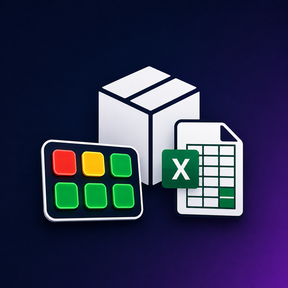
OrgaFlow · Stream Deck Plugin
Inventory Plugin
Your stock. Right on the key.
Your workflow
Your stock. Right on the key.
Inventory Plugin connects an Excel file to your Elgato Stream Deck, letting you see items and their current stock directly on the keys. Warning colours highlight low stock, while a short or long press lets you adjust quantities.
Features at a glance
- Display items and current quantities from an Excel file on your keys.
- Spot low stock using warning colours.
- Trigger stock adjustments with a short or long key press.
- Arrange separate keys for the items you use most.
Getting started
Ready in four steps.
- Install Inventory Plugin from the Elgato Marketplace.
- Drag the inventory action onto a key in the Stream Deck software.
- Connect your Excel file and assign the relevant item.
- Check the display and stock adjustments with test data before adding more item keys.
FAQ
Common questions
Where does the stock data come from?
Your linked Excel file provides the data. Configure the file and item assignment in the plugin settings.
What do the colours mean?
Colours help you identify low stock. Configure thresholds and settings to suit your workflow.
Does it replace a complete inventory system?
The plugin provides a Stream Deck interface for your Excel-based workflow. Review your requirements and the Marketplace description to decide whether it fits your use case.
Share your experience
Reviews
Loading reviews …